Why client reporting eats the week
Every month an account manager opens Google Ads, Meta and a spreadsheet for each client to build their reports. With twelve clients that is twelve rounds of exporting, copying, checking against targets and writing the same kind of paragraph twelve different ways.
- The numbers live in several platforms with different definitions.
- Targets and goals live somewhere else, so someone has to remember them.
- The explanation, why a number moved, depends on decisions made on calls weeks ago.
- Tone differs per client, so the writing cannot be reused as is.
What a good client report contains
| Part | Question it answers | Source |
|---|---|---|
| Business outcomes | Are we on track against the goals we agreed? | Goals and targets in the client record, results from connected platforms |
| What changed | What moved, by how much and why? | Trends with their source and context, including decisions from calls |
| Work delivered | What did we do this period? | Deliverables and tasks completed |
| Next decisions | What should we do next, and what do we need from you? | Clear proposals the client can say yes or no to |
Use agreed metric definitions, measurement periods and known baselines, and keep fees, media spend, revenue goals and currencies separate, so totals are never misleading.
A reporting workflow, step by step
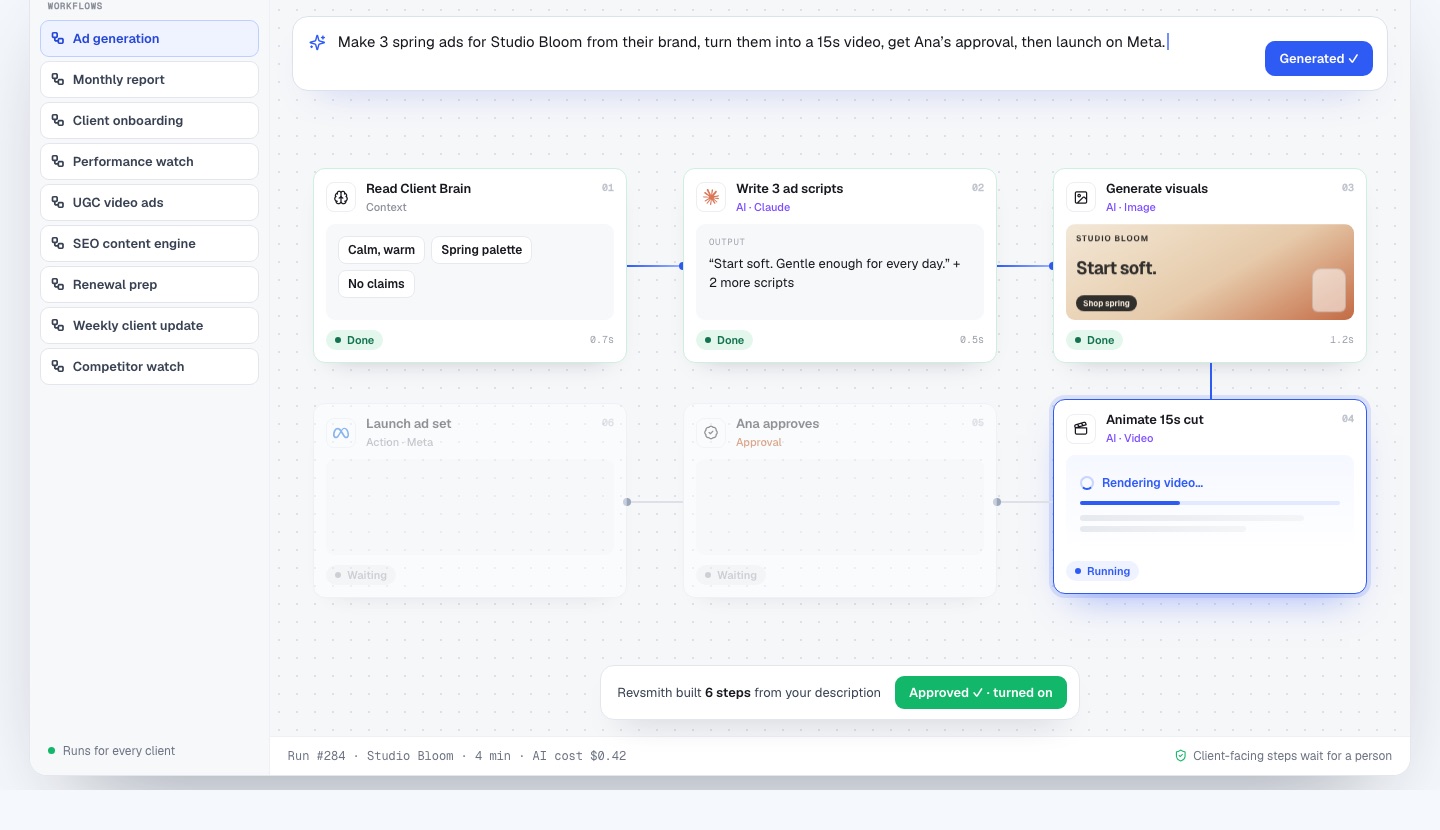
In RevSmith you describe the task once in plain English: “On the 1st of every month, pull Google Ads and GA4 results, write the report in each client’s voice, and email it after review.” It builds these steps and runs them for every client:
- A scheduled trigger fires on the first of the month.
- Pull Google Ads results for the client’s mapped account.
- Pull GA4 results for the client’s mapped property.
- Write the report in the client’s voice, using targets and goals from the Client Brain.
- The account manager reviews and edits the draft.
- Email the approved report to the client.
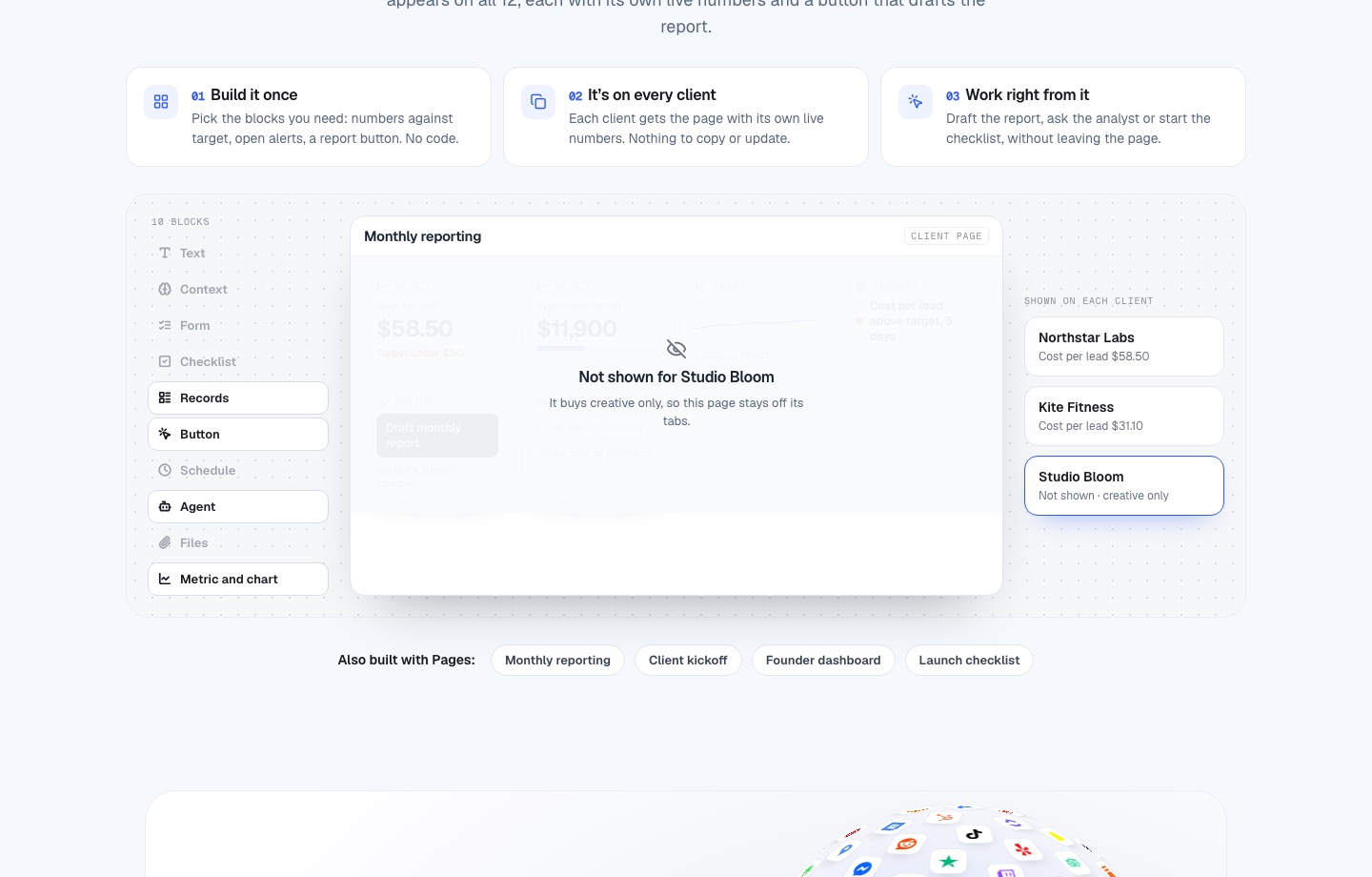
Show the numbers against target on one screen
Pages lets an account manager build one reporting screen and see it on every client, each with its own live numbers: cost per lead against target, spend this month against budget, a leads-versus-target chart, open alerts and a “Draft monthly report” button that waits for the account owner’s approval.
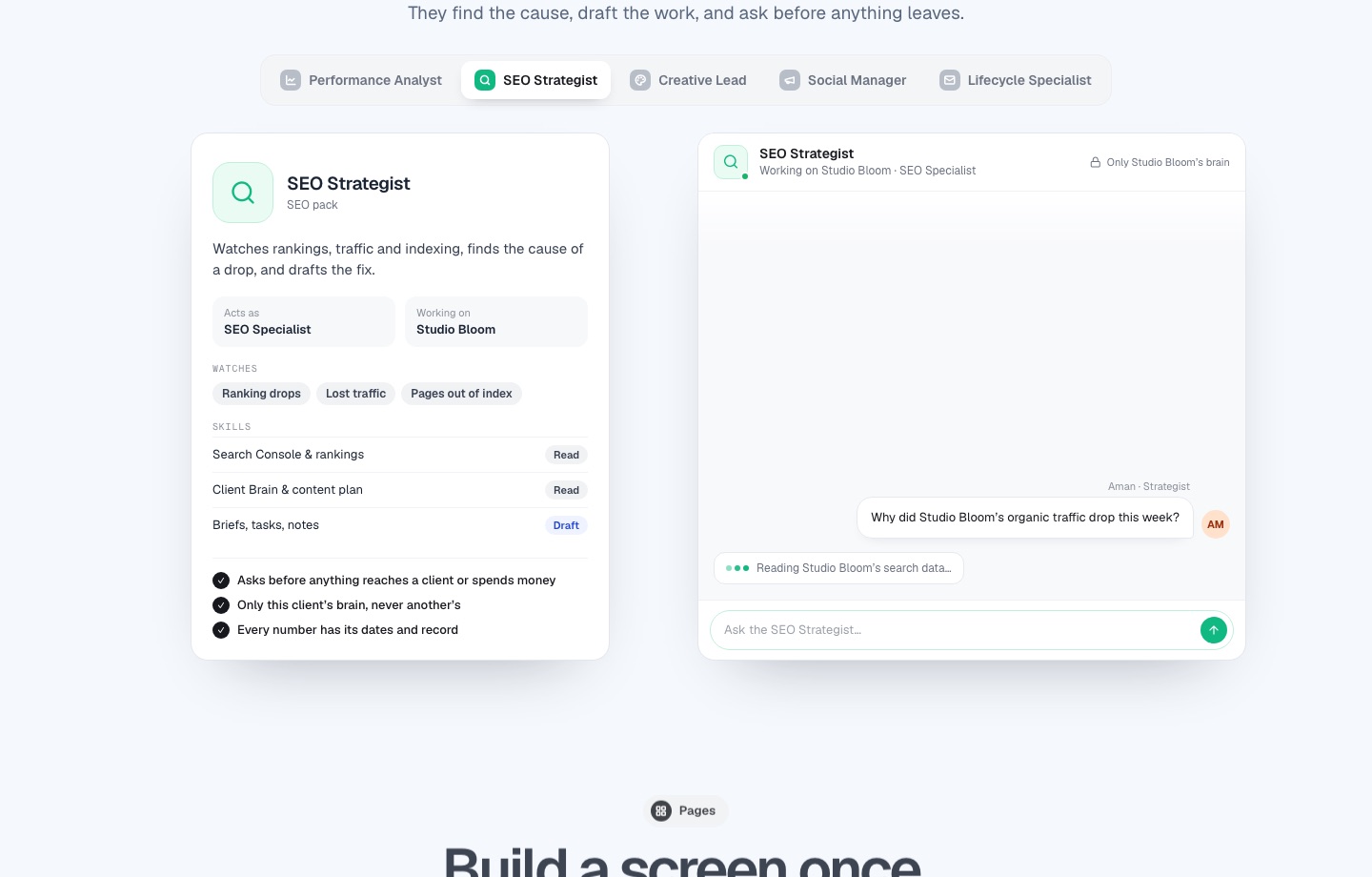
Let a teammate explain the change
A report that says cost per lead rose 17% is a starting point. The Performance Analyst answers the next question: the change against target and the causes with their records, such as a budget move decided on the weekly call and two ad sets wearing out. Every number carries its dates and source.
Common reporting mistakes
- Reporting activity instead of outcomes. Start with the goal.
- Changing metric definitions between months without saying so.
- Sending a draft nobody on your team has read.
- Mixing media spend and fees in one total.
- Burying the “next decision” at the bottom.
Frequently asked questions
Can AI write a client report?
It can draft one well when it has the numbers, the client’s targets and the client’s voice. A person should review before anything is sent.
Which data sources does RevSmith pull from?
It connects to Google Ads, Meta, Google Analytics and Search Console among more than a thousand apps. Confirm your exact sources in a demo.
How is this different from a reporting dashboard tool?
Dashboards show results. RevSmith also drafts the narrative against each client’s targets and ties it to the decisions and work behind the numbers.
Does it send reports automatically?
No. The account manager approves first.
How much does RevSmith cost?
We are onboarding agencies now and set terms with each agency during onboarding, so there is no public price list yet. Book a 15-minute demo with the founder and ask.